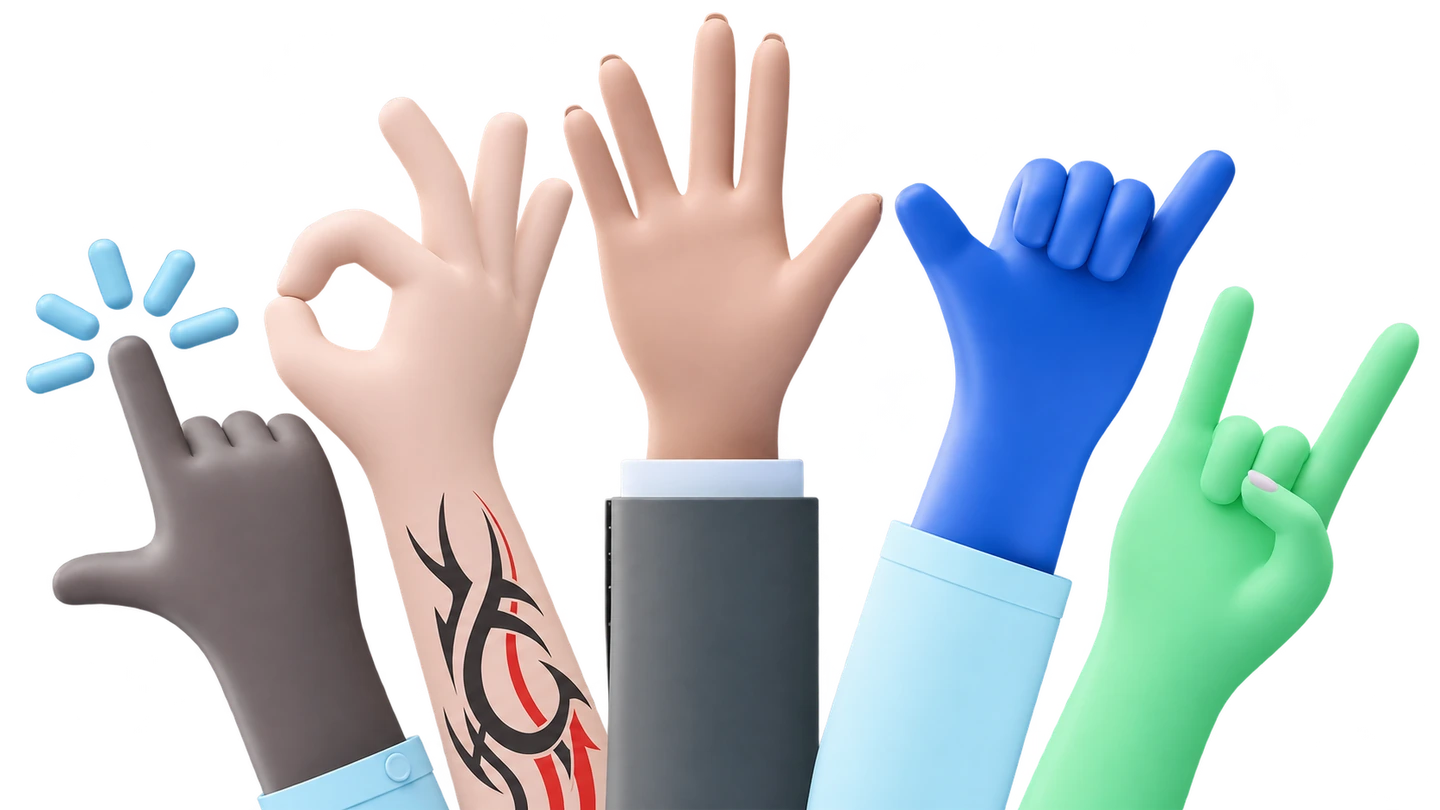
1. Build an onboarding screen with Handz
Design a welcome screen, a prompt to take the first step, and a confirmation. Use a wave on the welcome screen, point toward the action on the second, and put a thumbs-up beside the confirmation. Try matching sleeves across the three screens so the gestures feel like they belong together.
Handz Free has two rigged Blender hands, 25 poses and 900 PNGs. Use the PNGs to try the sequence in Figma. Open the Blender source if you need the hand to point in a different direction or match your brand colors. The Handz Figma guide shows how to crop and place the gestures without covering the text or controls.
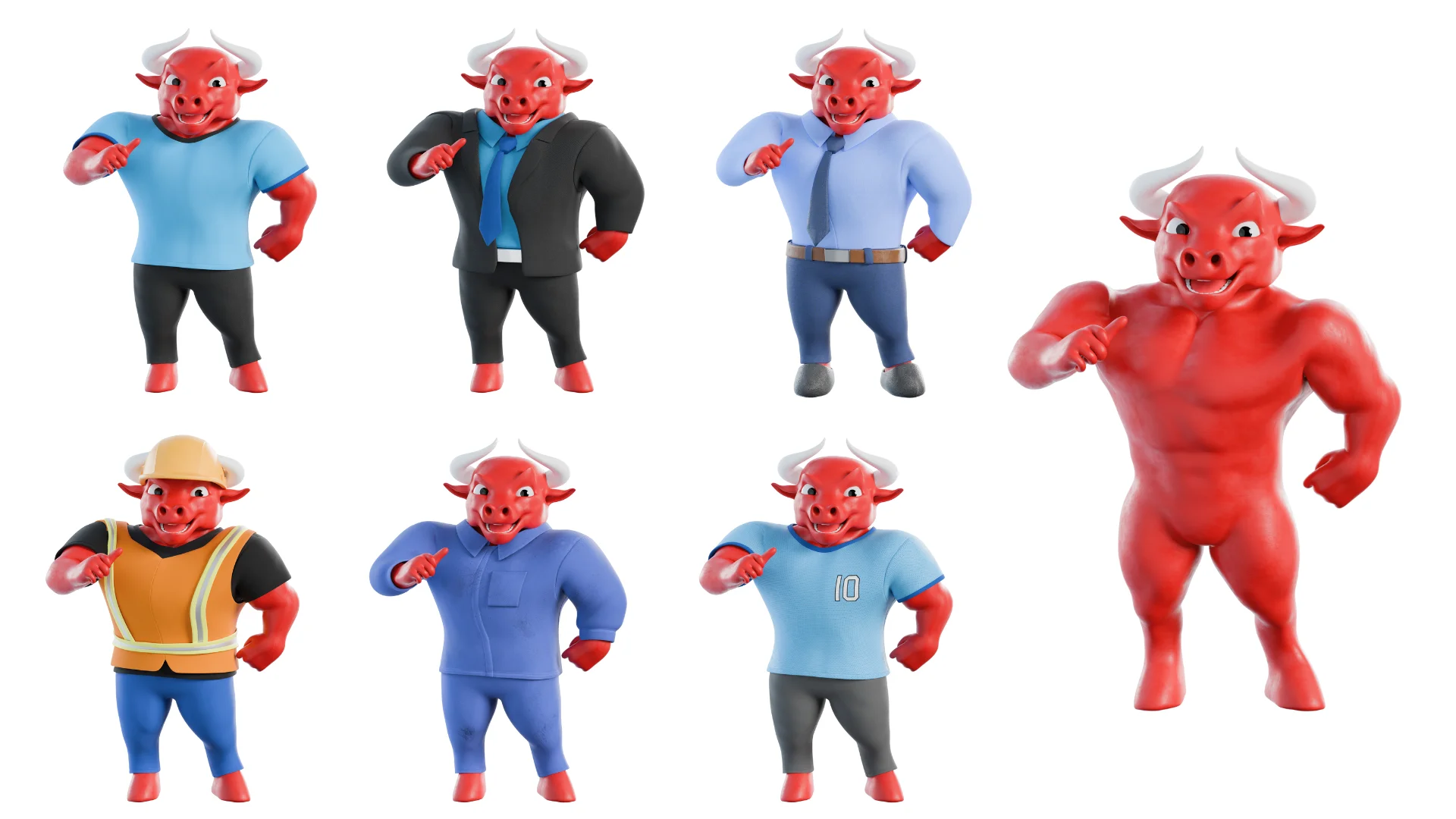
2. Give an app prototype a speaking mascot
Try making a character welcome someone to a training demo. The free Business Bull has 52 ARKit facial blendshapes, speech shapes, and seven outfit variants with their own GLB and FBX files. Try the suit for a welcome screen and the mechanic outfit for a workshop. Use the editable Blender project to change outfits, colors or materials.
For a private real-time test, get one blink, one smile and one jaw-open movement working before you map the rest of the face. Start with the included GLB in a runtime that reads morph targets. If you edit the model in Blender, export a new GLB with shape keys enabled and reopen that export in your target viewer. The ARKit rehearsal guide shows how to run the three-expression check on a ThreeDee rig.
Once the Bull mirrors your smile, use the same signal to fade up a warm stage light in the demo. Wire the light in your app so it returns to normal when the expression relaxes. Ask Samuel if your public app will serve reusable GLBs or let people customize and export the character.
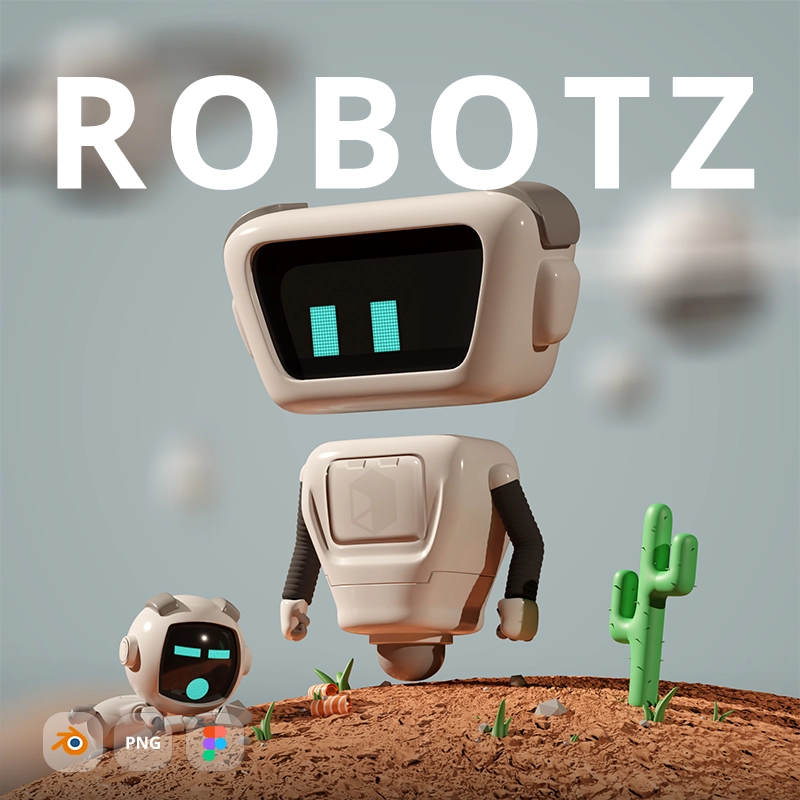
3. Make two robot characters from one rig
Start with the free modular Robotz pack. Build a friendly guide and a more serious helper from the same base. Swap the head or limbs, adjust the face and eye expression, then give each robot a different greeting pose. Check whether you can tell them apart in silhouette at the size they’ll appear on screen.
Robotz includes 20 poses and five animations to try. Use a still for a help screen, or use an included animation to test the timing of a short welcome. Follow the Robotz Blender walkthrough for swapping parts, posing and rendering.
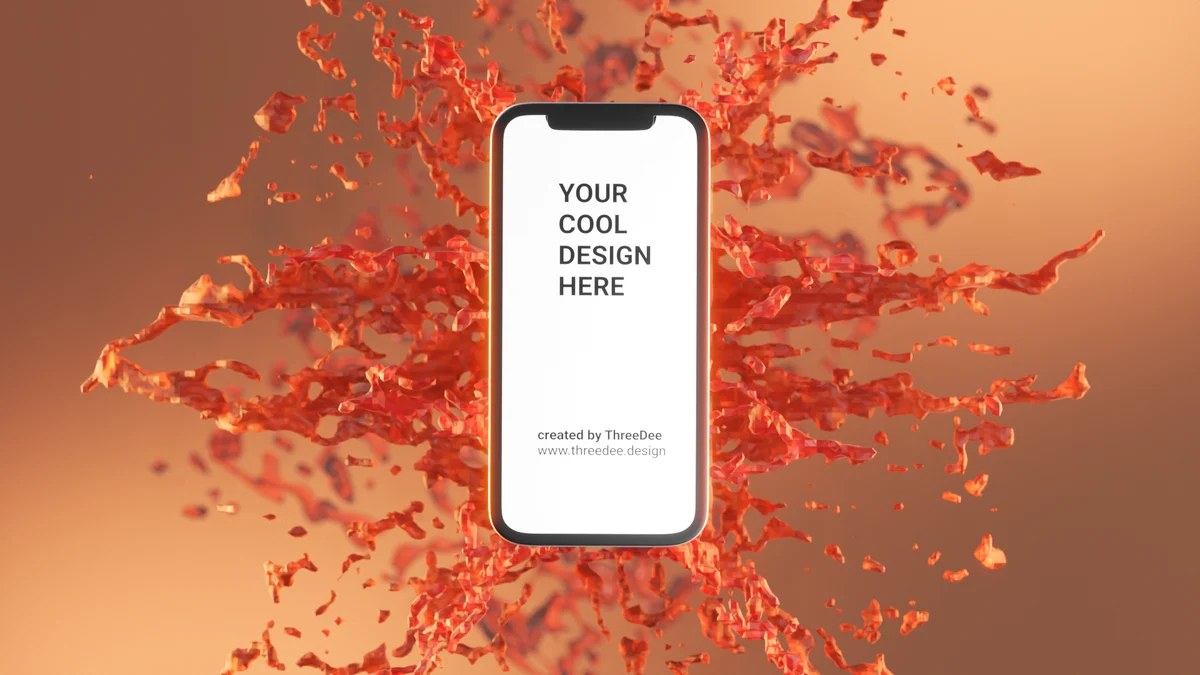
4. Put an app design on a phone
Choose one screen you want a client to notice, such as a checkout confirmation. Place it into a phone scene from the free Mockupz library. Use the Photoshop smart-object layer if the scene and lighting already suit the design. Use an editable Blender scene if you want to move the camera, change the lighting or add motion.
Render one close-up where the screen is readable. For a case study or launch page, add a wider shot that shows the device in context. Mockupz also includes scenes for tablets, computers and watches.
5. Build a headline with 3D lettering
Start with a short title for a poster or launch graphic. Fontz Free has eight styles, transparent PNG letters, editable Blender sources and a Blender add-on. Try arranging the PNGs in Figma to set the spacing. If you need the letters to match the lighting in a phone mockup, use the Blender source and render them in the same scene.
6. Print a test model or make a personalized gift
Pick a model with an STL option from the free statue collection to practice slicing and finishing. Set the size you want, check how the base sits on the build plate, and look for thin details in the layer preview. Print a small test before committing to the final size.
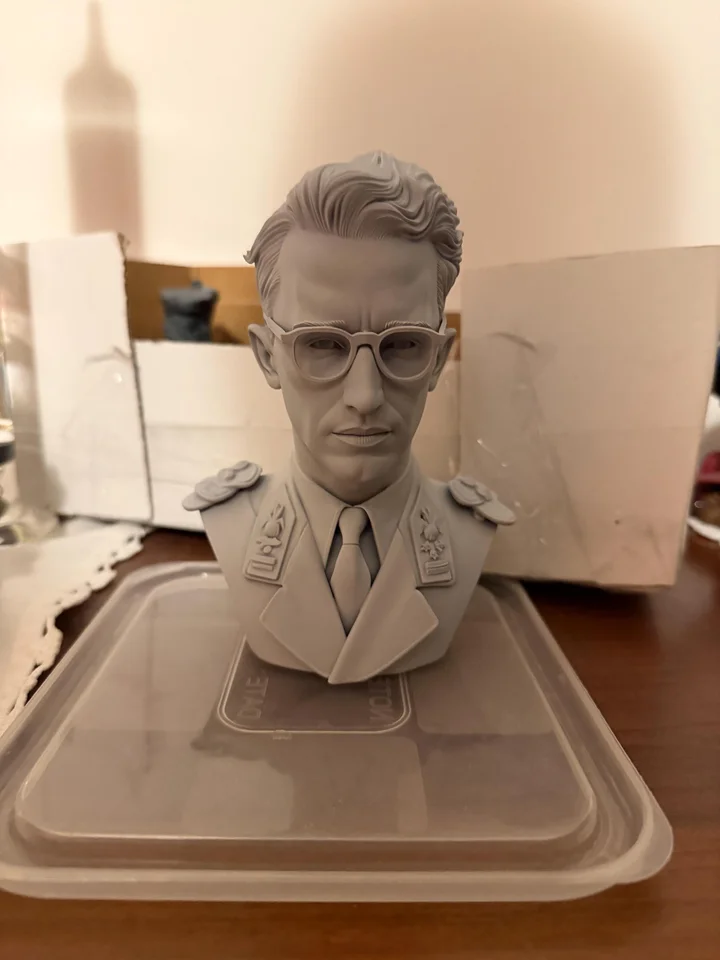
Choose a face to practice finishing from the free portrait busts. You can also browse the Ozzy Osbourne models or Justin Bieber models for study and test-print candidates.
For a model based on your own design or an authorized photo, try ThreeDee Nova. For example, turn a portrait into a desk-sized bust, check the profile and details in the preview, then inspect the STL in your slicer. If you plan to sell prints or list them on Etsy, check the rights for that specific model or Nova plan, your reference rights, and the marketplace’s rules. The personalized 3D print sales guide covers the Nova workflow, permissions and listing preparation.
Find the right asset for the next project
For one finished character, browse individual 3D models. If a whole series needs the same look, explore modular 3D packs. For ongoing work, compare the All Access Pack for current and future collections with lifetime access to the single-model library. Pick the library that matches the assets you keep needing.
If the project needs an original mascot, a branded 3D model, or a launch animation, email Samuel about custom modeling and animation.